LookAway
 LookAway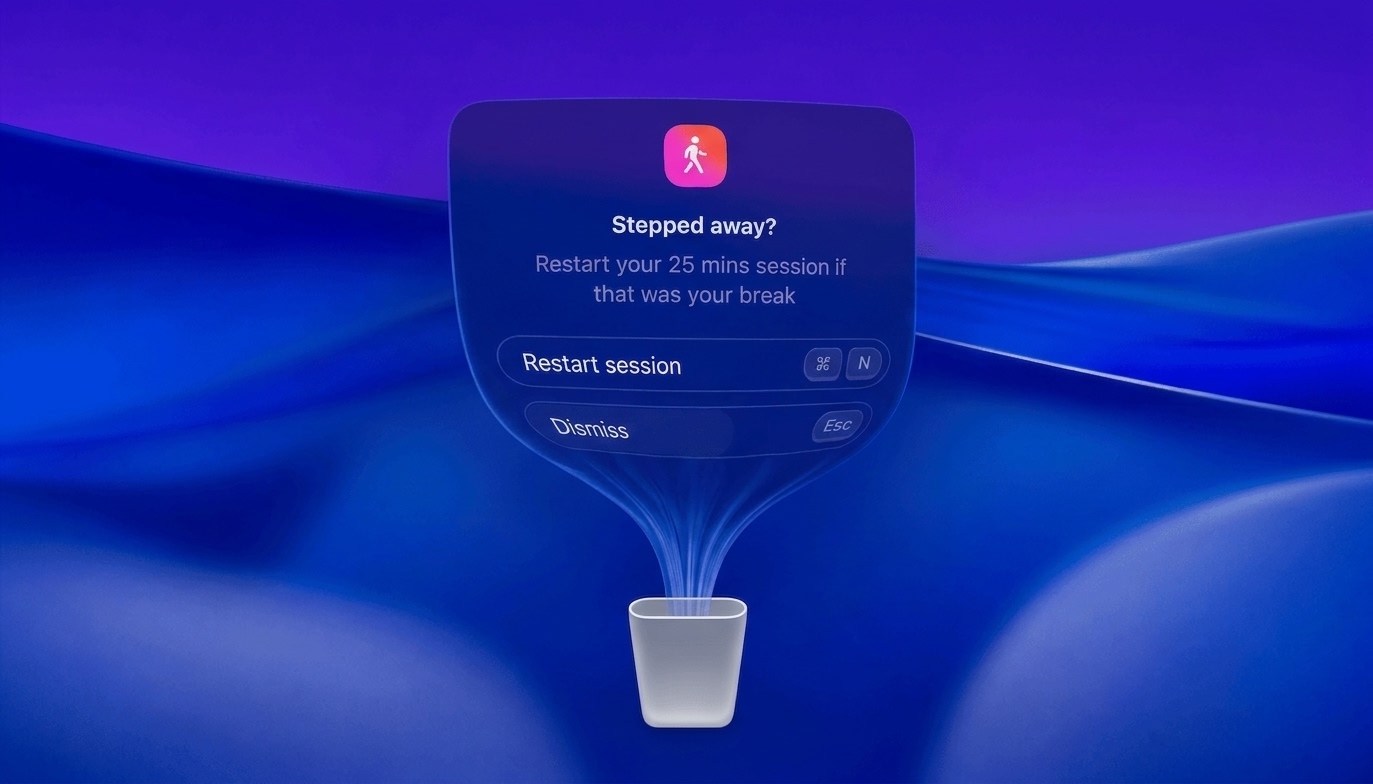
My goal with LookAway has always been to help us take mindful screen breaks without any interruptions. Over the last 3 years, most of the interruptions have already been taken care of (meetings, videos, screen recording, etc.), but there was still one remaining: the handling of idle time and natural breaks.
Until now, whenever LookAway detected activity after a long pause, it interrupted you with a modal asking if you had stepped away. That's exactly the kind of interruption it's supposed to avoid.
New Natural Break Handling
In 2.3, LookAway now looks at various system signals to understand whether you truly went away or were just reading something and hadn't touched the keyboard or trackpad in a while. Accordingly, it either restarts a session or resumes it on your behalf.
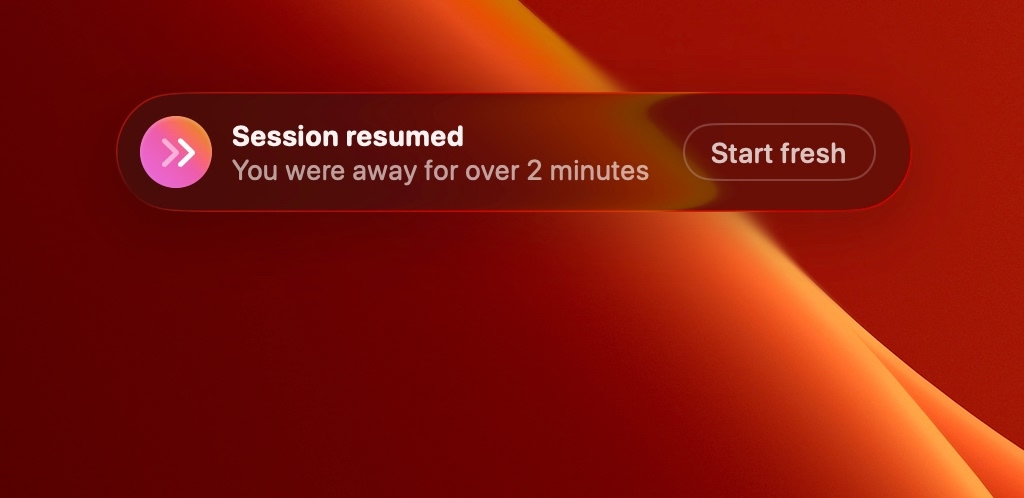
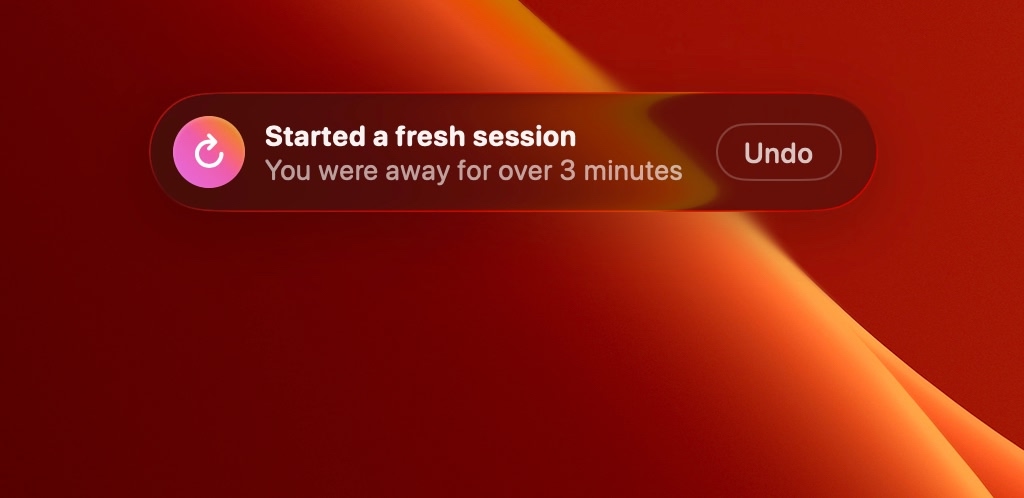
In most cases, LookAway will show you a non-blocking and auto-dismissing toast with an option to switch the decision from restart to resume, or vice versa. The same toggle is also available in the menu bar when you return from idle, so you always have the final say.
Advance Skips Are Back!
Before LookAway 2 was released, there was a feature that allowed skipping a break in advance without any penalty. For some users, that made it too easy to ignore breaks completely, so in LookAway 2 it was temporarily replaced with the +15m snooze option.
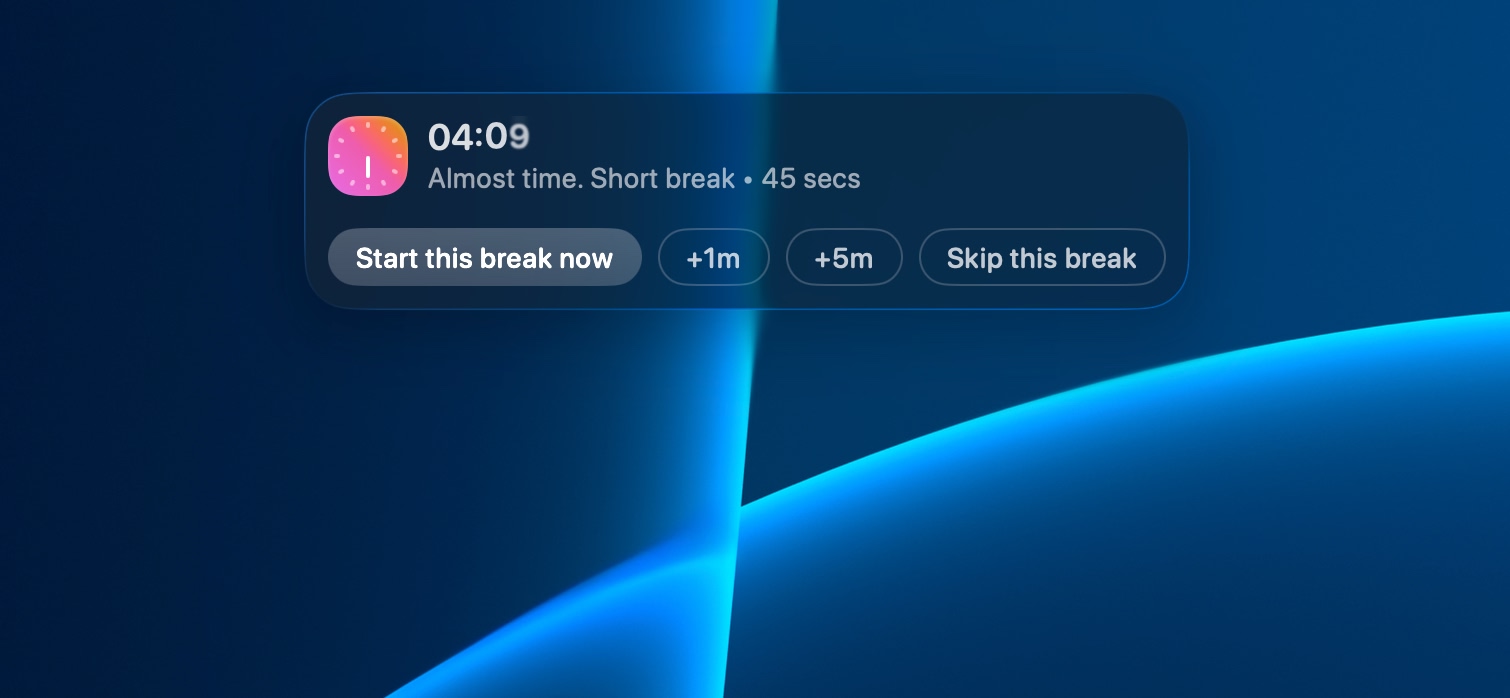
In this update, advance skips are back with a much better design. By default, they are disabled, but can be enabled in the Screen Breaks settings (it replaces the +15m snooze option). You can also set a per-day limit on the number of advance skips allowed. Please note that each advance skip reduces your Screen Score by 4 points.
Custom Breaks
With Custom Breaks, you can now start a break of any length at any time. It's super handy when you'd like to rest your eyes for 2 minutes before a presentation, or you just finished a task and need a 10-minute break. The automatic timer is great for breaks when you lose track of time, but this allows you to take breaks on your own terms.
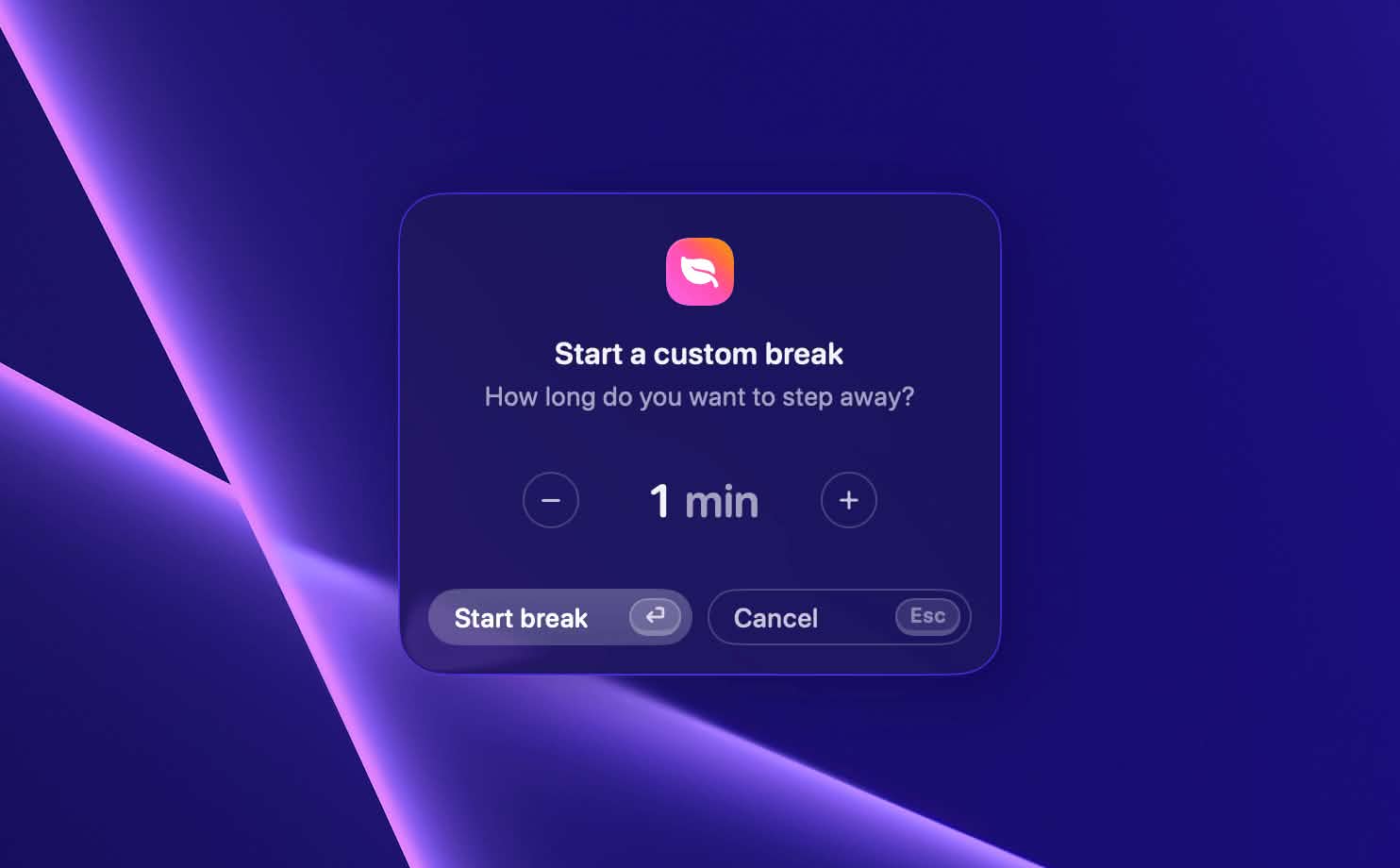
You can access Custom Breaks from the menu bar option "Take a break for", with a keyboard shortcut that you can configure in settings, or via AppleScript.
New Break Backgrounds
Three new animated break backgrounds have been added so that your Mac can look even sleeker during breaks. Head over to the Break Screen Customization settings page to check them out.
Other Notable Changes
- The menu bar options have been reorganized, making it easier to find common actions.
- Lots of under-the-hood optimizations to bring idle CPU usage down to ~0.5%.
- Small bug fixes.
I hope you enjoy this update. If you find any bugs or have any feedback, feel free to reach out via email to [email protected].

Try LookAway
LookAway is a smart break reminder that helps reduce eye strain, digital fatigue, and maintain better posture - so you can end your day feeling fresh.